Browser access
Current versions of Chrome, Firefox, Safari and Edge are supported. To verify your browser is compatible, open the 11zh88 lobby and check whether the game grid and account panel load without errors.
The 11zh88 mobile experience is built around your phone browser — open the lobby, sign in to your account and move between slots, live tables and cricket betting without downloading anything. Access depends on local law and is available where local law permits.

Before you start a live session or place a Cricket Betflash wager on mobile, it is worth confirming your device setup matches what the platform needs. The checklist below covers the practical requirements.
Current versions of Chrome, Firefox, Safari and Edge are supported. To verify your browser is compatible, open the 11zh88 lobby and check whether the game grid and account panel load without errors.
The mobile layout adapts to portrait and landscape orientation. Landscape works well for live table games like Holdem Battlefield; portrait is the natural choice for the betslip and crash games.
You need a verified 11zh88 account to access real-money rounds on mobile. Account verification steps — identity confirmation and wallet linking for JazzCash, Easypaisa or Raast — are completed once and apply across all devices.
Most Android phones running a current browser and iPhones on iOS 15 or later access the full lobby. To confirm your specific model is supported, load the live casino section and attempt to join a table — if the stream opens, your device is compatible.
Live dealer tables from Evolution and real-time crash games need a stable data connection. A 4G mobile signal or a reliable Wi-Fi connection keeps the stream smooth; switching networks mid-round may pause your session.
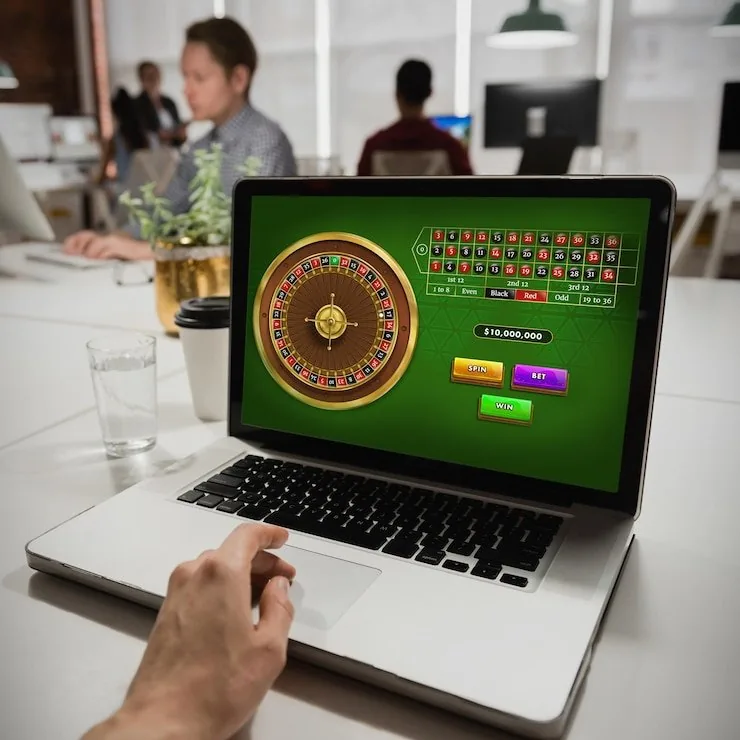
When you open 11zh88 on your phone, the lobby loads with your account state intact — your wallet balance, active sessions and recent game history are right there. Crash and Aviator run at full speed in a mobile browser without any lag on a stable connection. Live tables from Evolution stream clearly on a 4G or Wi-Fi signal. The betslip for cricket
and Football QuickScore collapses neatly so you can add selections without losing sight of the odds. Push notifications for account activity reach you through your browser notification tray rather than a native app. Quick deposit via JazzCash or Easypaisa is reachable from the mobile cashier in two taps

Getting the 11zh88 lobby onto your phone does not require an app store or an APK file. Your mobile browser handles everything. Chrome on Android and Safari on iOS both work without extra setup. Once you are signed in, you can add the site to your home screen through your browser's share or options menu — it opens like an app from
that point, with no address bar in the way. Account security carries over from your desktop session, so your two-factor verification stays active. If you already have an account, your wallet balance and game history are waiting exactly where you left them.
These are the practical mobile features that make a difference when you are away from a desktop — from how you log in to how the screen adapts to your device.
On supported Android and iOS devices, you can sign in using fingerprint or face recognition through your browser's saved-credential flow rather than typing your password each time.
The 11zh88 interface follows your device's system dark mode setting. Low-light sessions on Blackjack Livebets or live baccarat are easier on the eyes without any manual toggle.
Allow browser notifications and we send account alerts — deposit confirmations, withdrawal status and session reminders — directly to your phone's notification tray.
The game grid and lobby categories load from cache when your connection drops briefly, so you can browse titles and plan your session before reconnecting to start a round.
These are the questions we hear most often about accessing and using the 11zh88 mobile experience, answered directly.
Service availability depends on eligible regions and local law. Users should check local rules before opening an account.
Access may be available only where local law permits.